
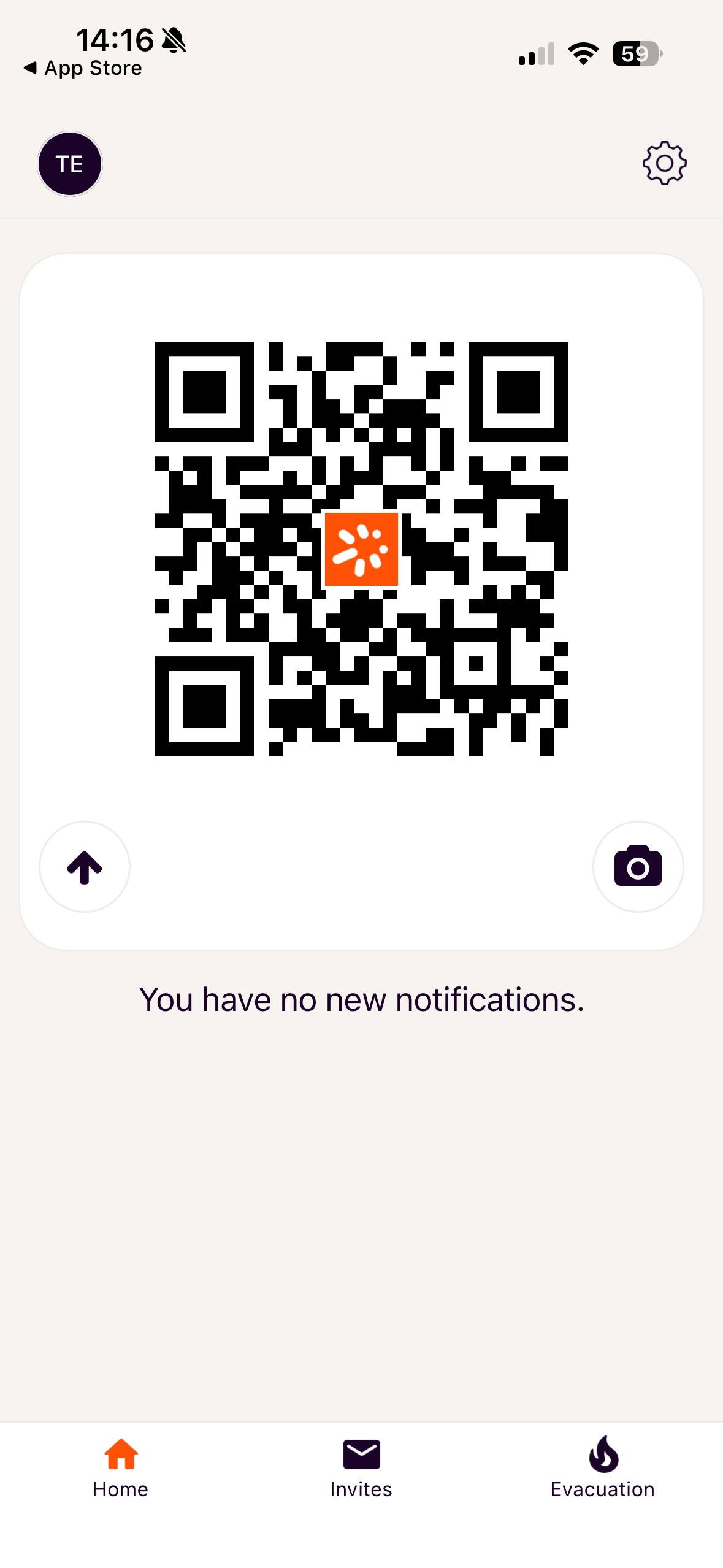
Custr has an app that I’ve set up so that it displays your QR code for you by default.
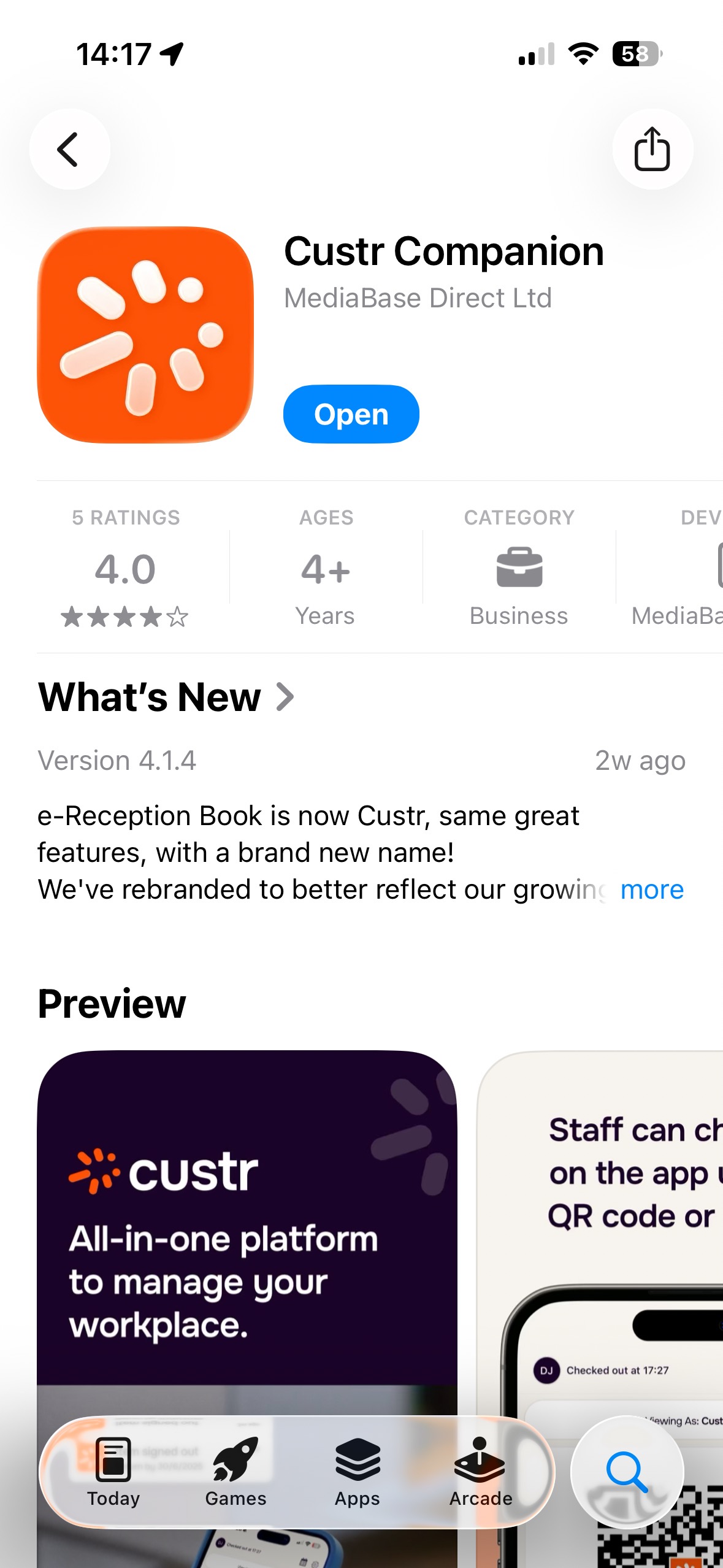
To download it look for the Custr Companion: (Pics below are Apple but it’s the same for Android)
Sign into the App with your email address and the password you created when you got sent the sign-up email last week.
Then to scan in and out:
Tap the App:
Scan the code:
If you have Apple Wallet or Google Pass enabled, the App will automatically pop up on your phone when you arrive to school so you can tap and scan.