
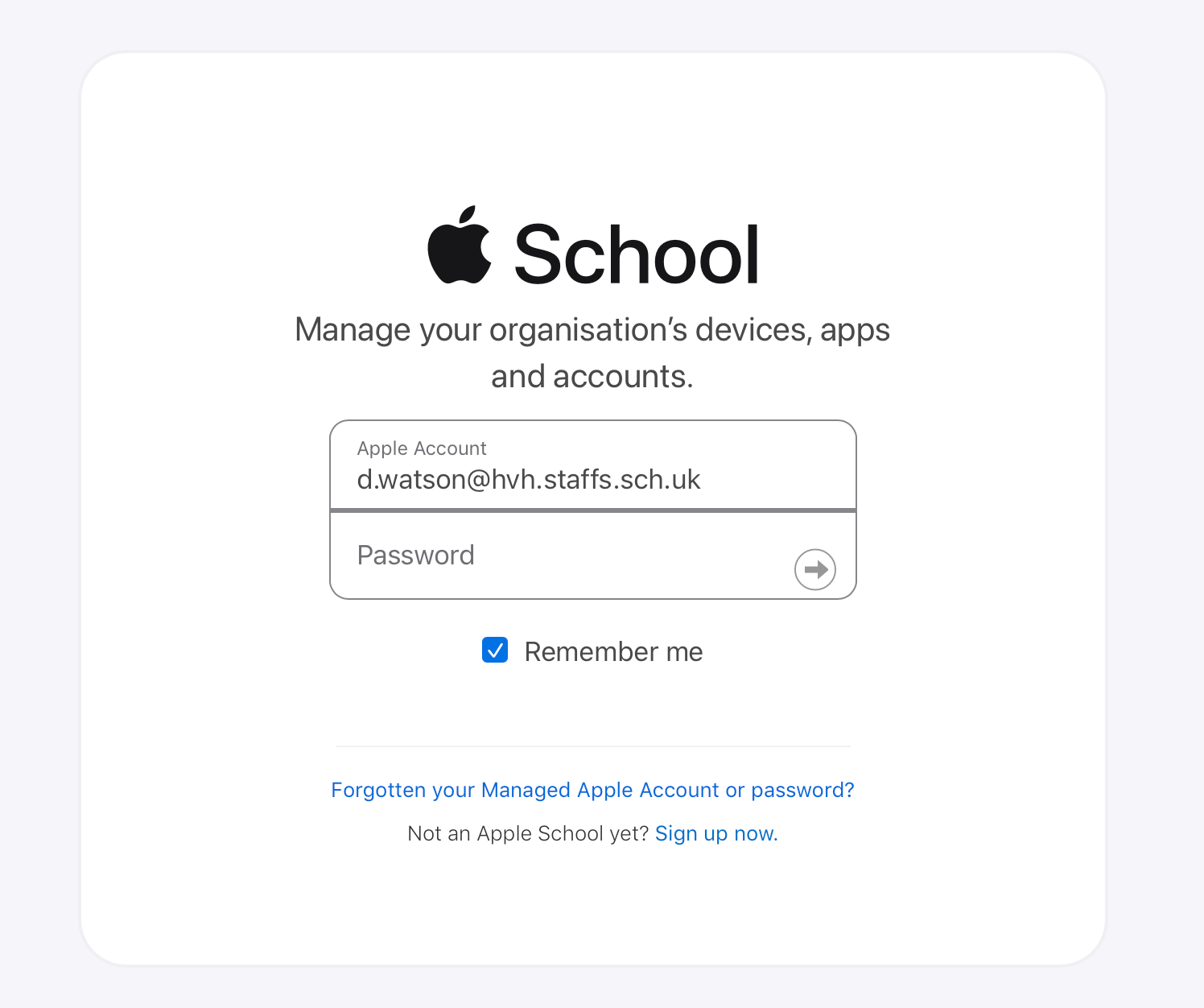
Visit school.apple.com
Sign in with your email and password (same as PCs emails etc).
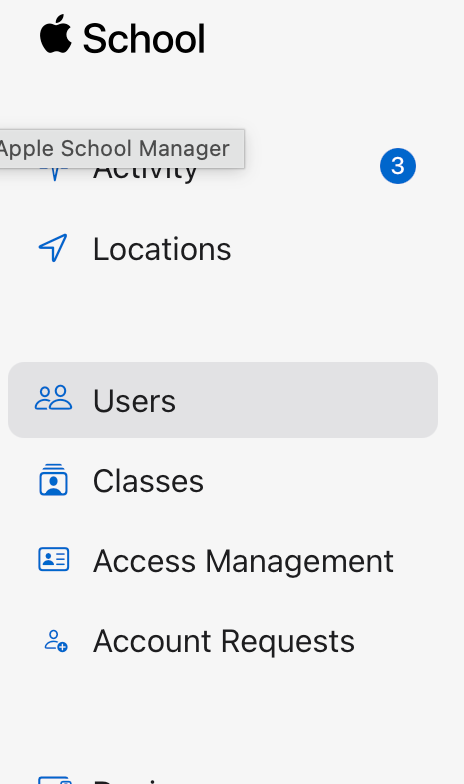
In the Apple School Manager click on Users:
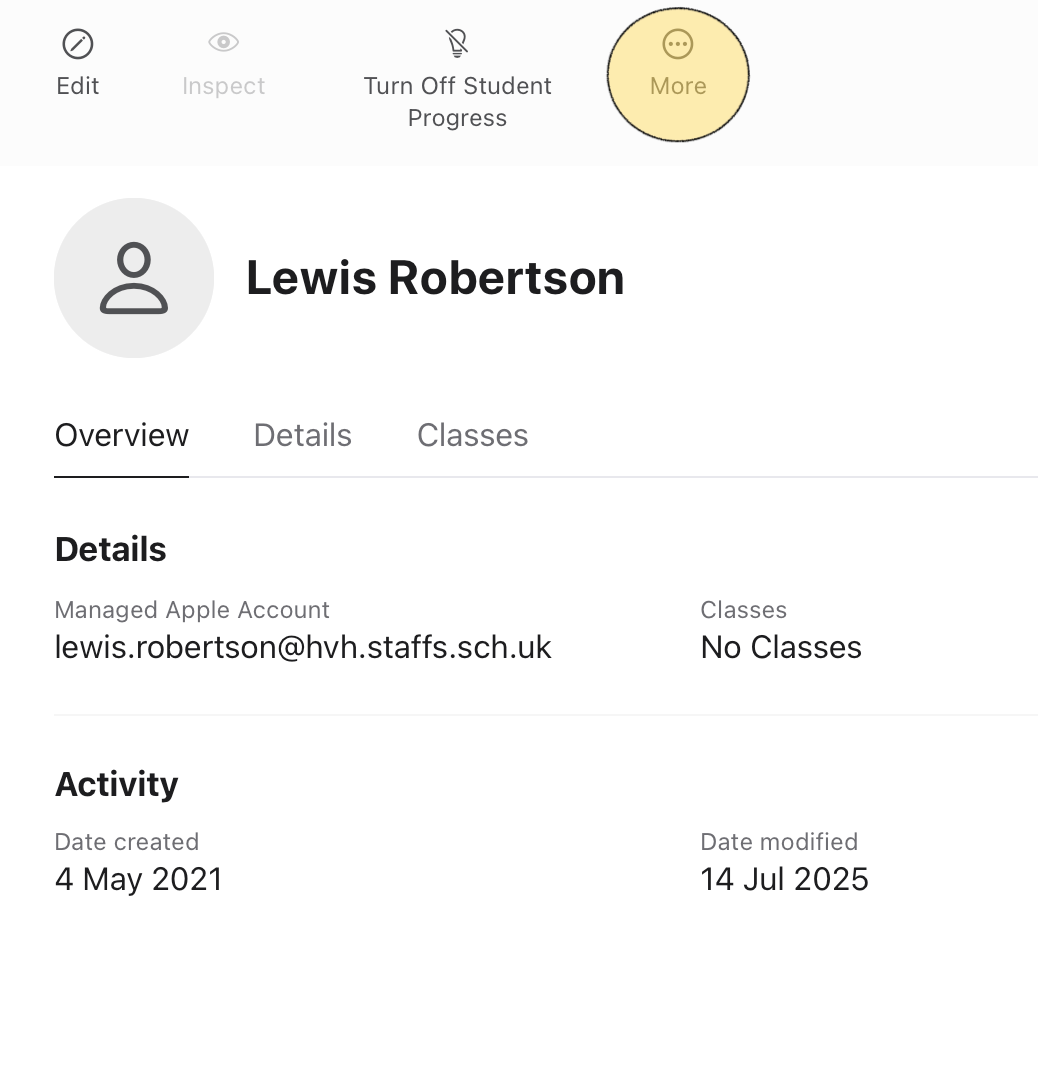
Search for or select the Student whose passcode you wish to reset and select the MORE button.
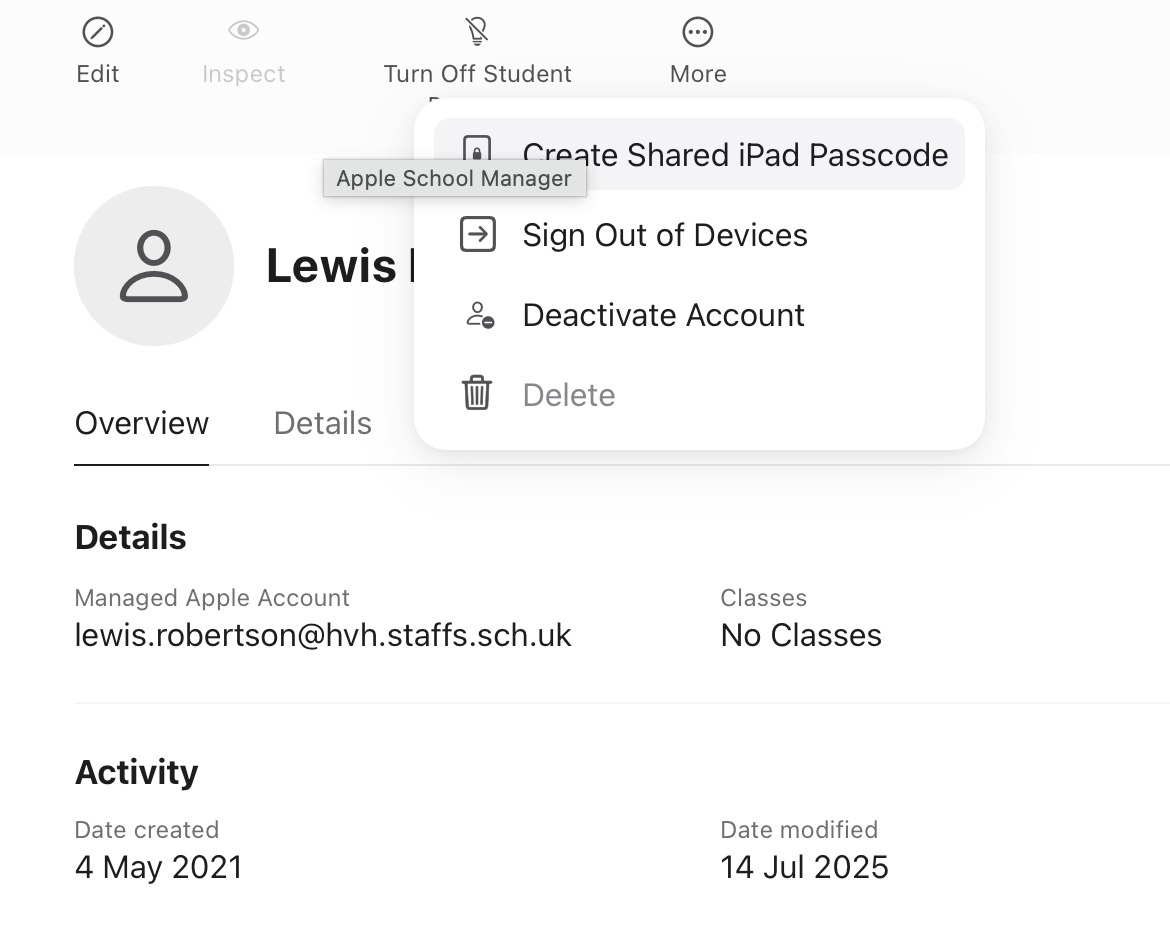
Select Create Shared iPad Passcode
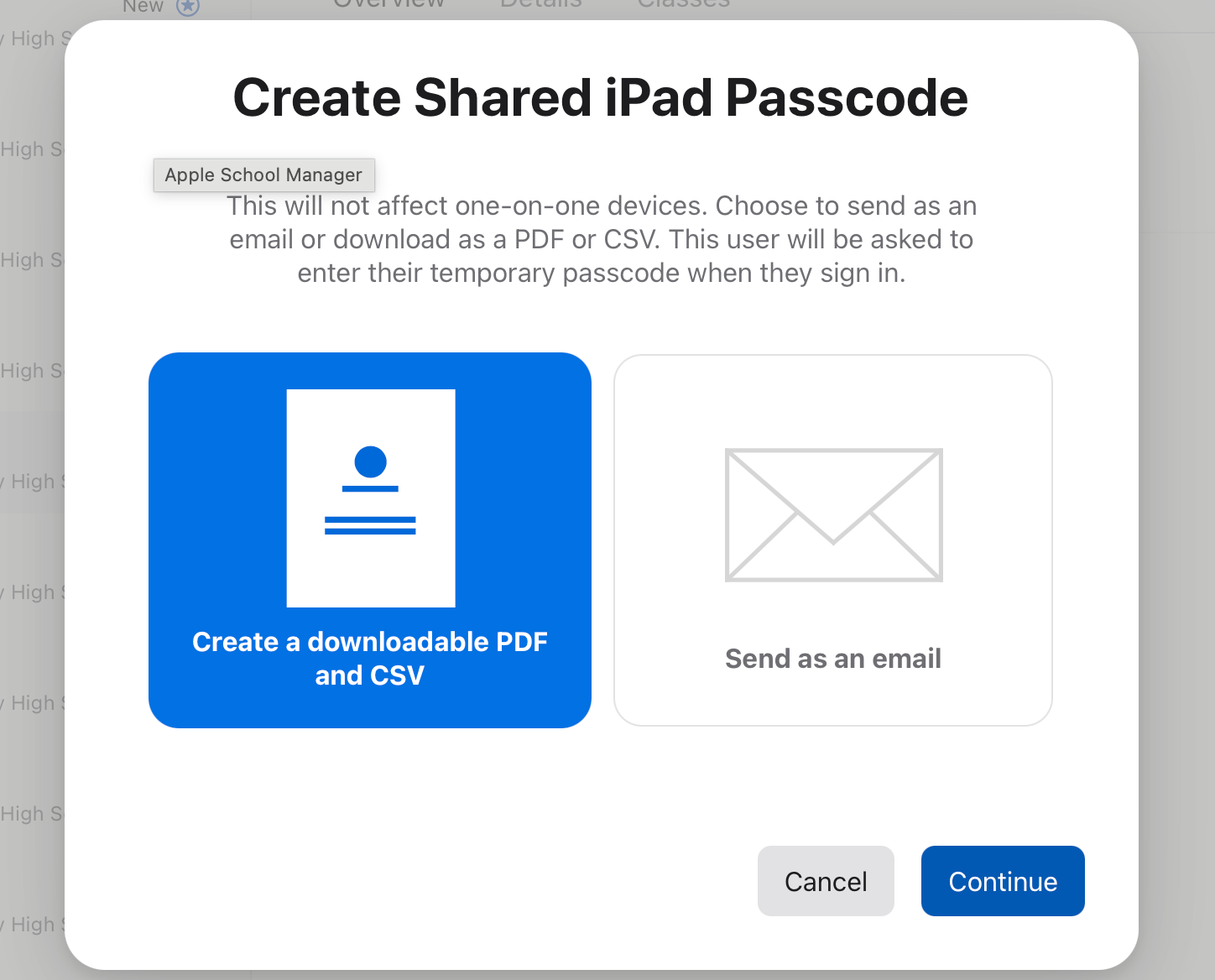
Enter a temporary passcode (eg 112233) - do not skip this step or it will create a random one and you’ll need to download a PDF or send it as an email, which takes more time.
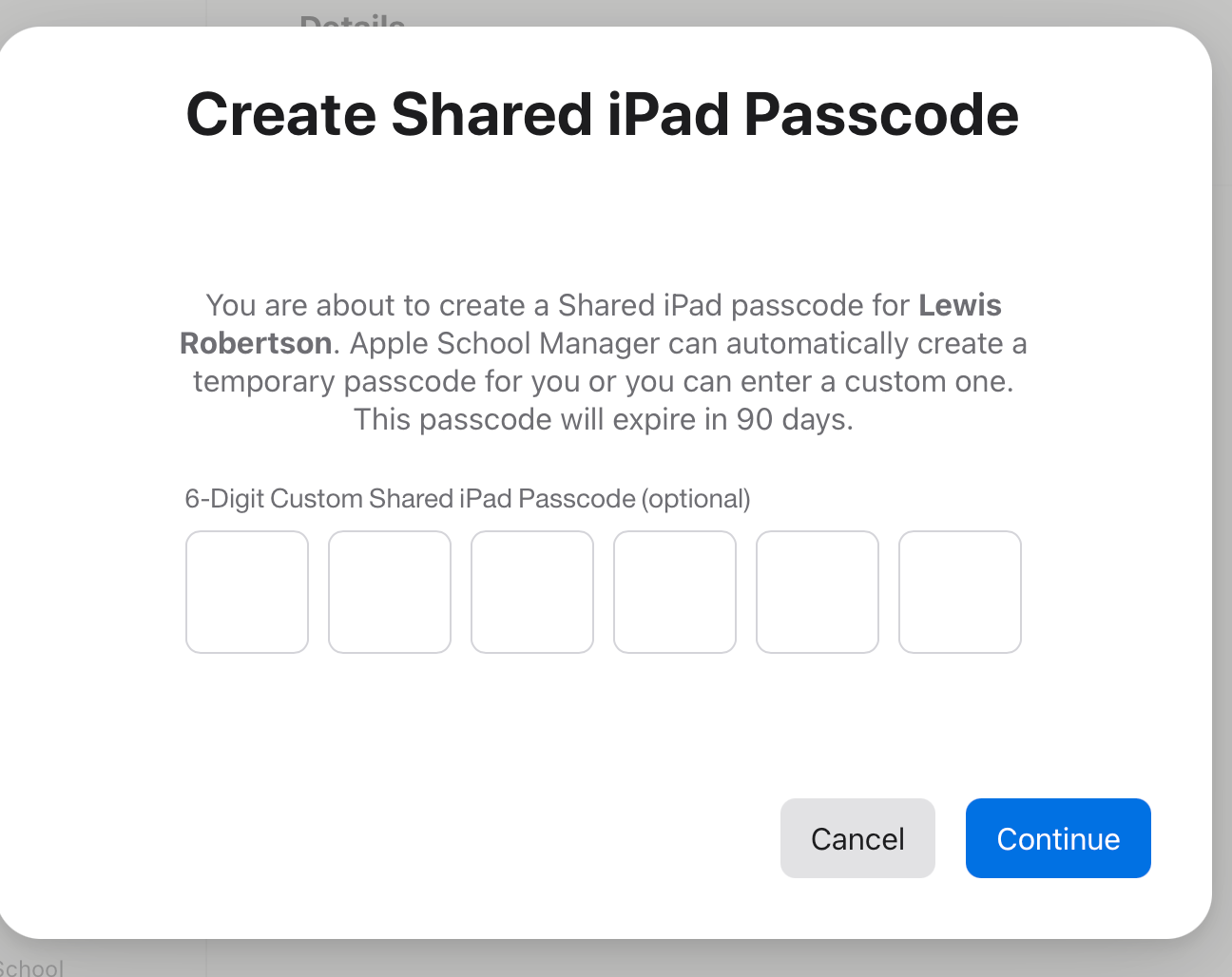
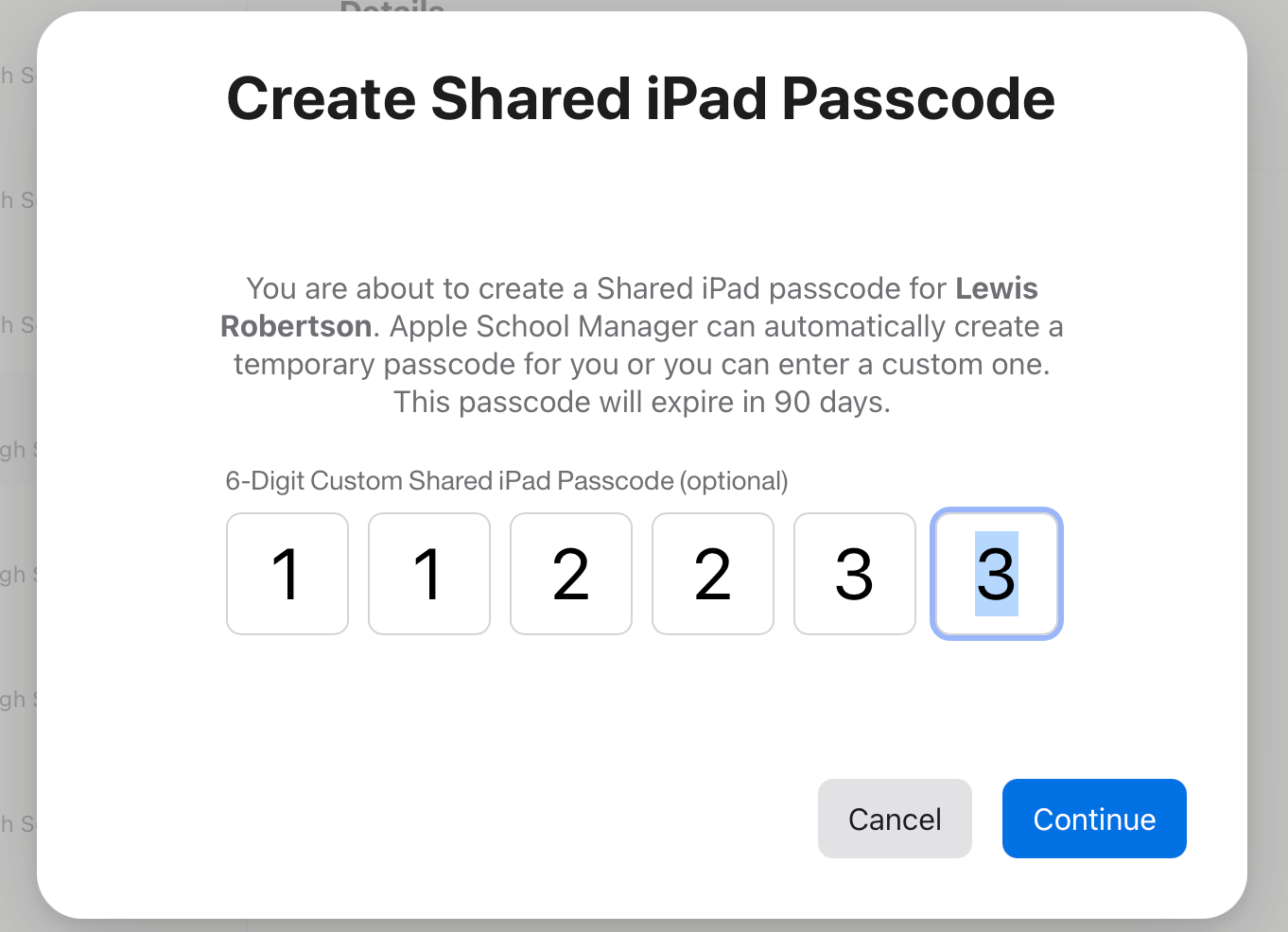
Wait for it to create the passcode (up to 10 seconds if just once student):
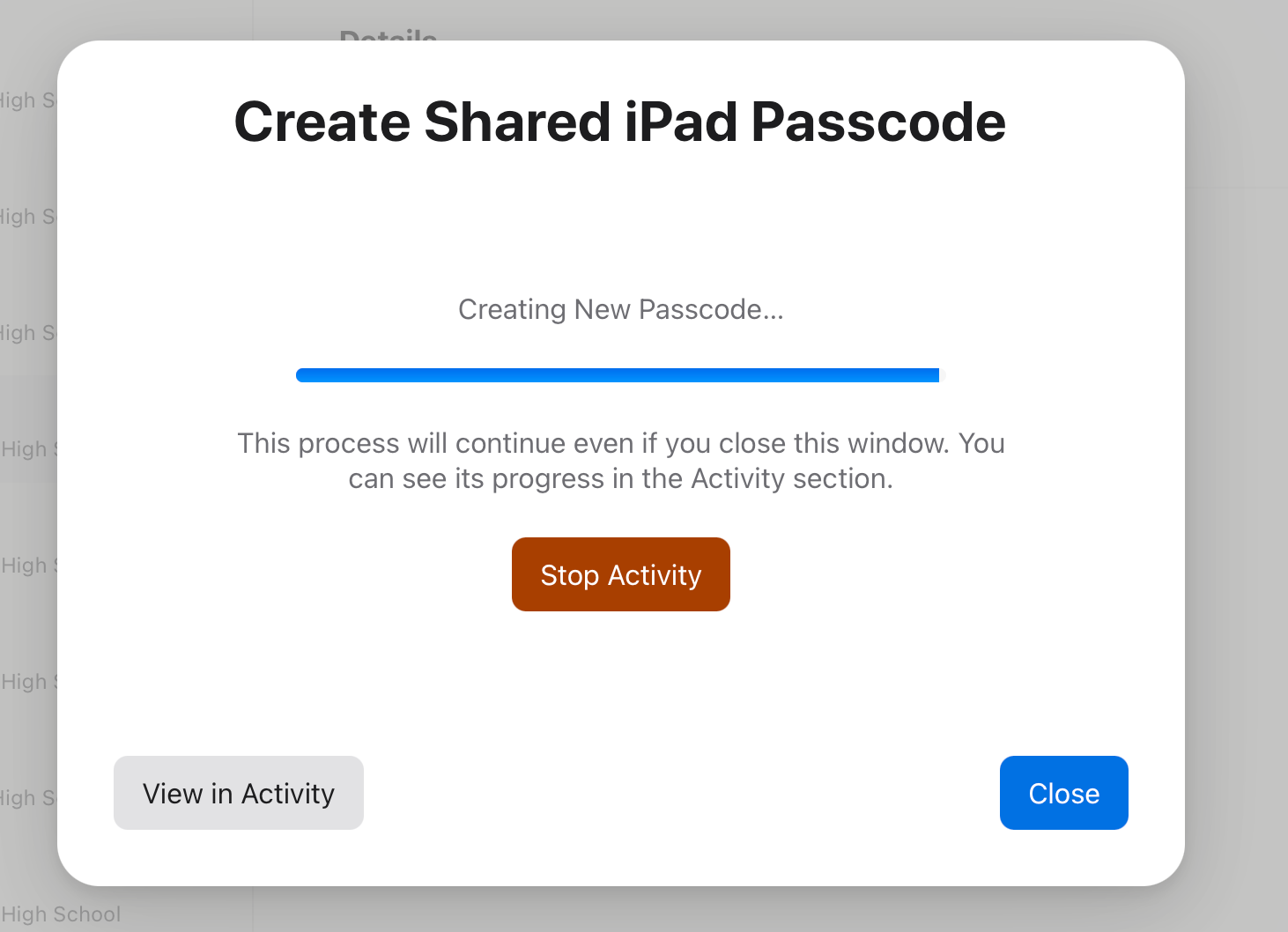
Once done you have the option to download the passcode. As long as you made a note of the passcode you created then this won’t be necessary.
Head to the iPad and enter the passcode you created above. Create a new passcode on the iPad.
Make sure you record the new passcode on the Logins Excel Spreadsheet on Sharepoint. That way if the student forgets their passcode again you can get a reminder, rather than have to go through resetting it.